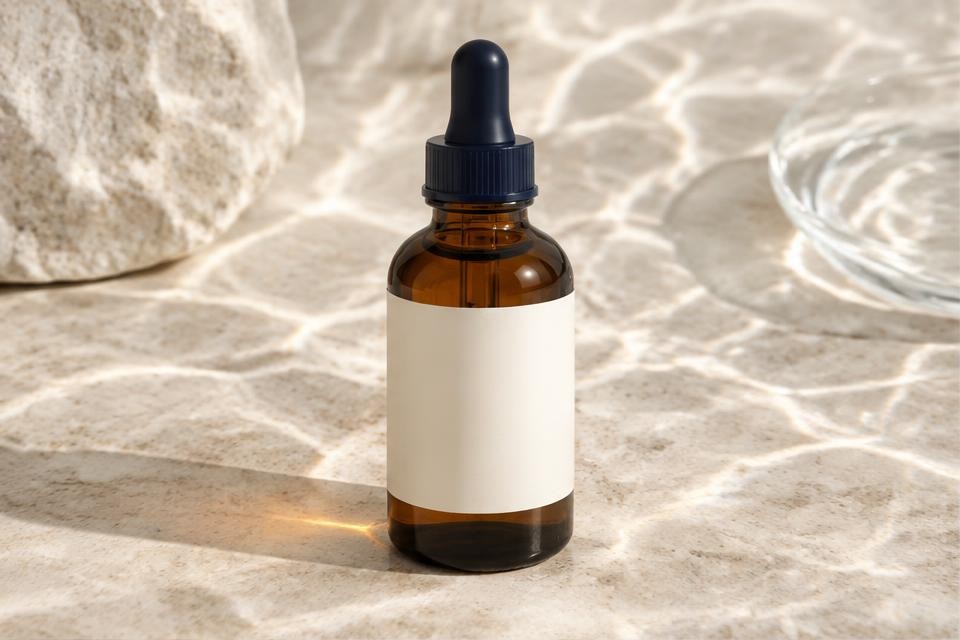
Start with a reliable product reference
Use a sharp, well-lit photograph of the actual product. Include the complete silhouette, accurate colour and visible packaging. A cropped cap or unreadable label gives the model too little information to preserve.
Keep a plain-background catalogue photograph as your source of truth. Lifestyle imagery adds context; it should not replace the photograph that shows exactly what the buyer receives.
Change the scene, not the product
Define the environment, light direction, surface and camera angle before generating. For a skincare bottle, a bathroom shelf and a folded towel tell a more useful story than unrelated decorative props.
Do not introduce ingredients, accessories, sizes or features that the product does not include. Avoid scenes that imply untested claims, such as waterproofing or food safety.
Review each image against the original
Compare the cap, silhouette, seams, material, label placement and proportions side by side. Zoom in on small text and reflective edges. Reject an attractive image if it changes the item.
Use the original label artwork for final typography when generated lettering is inaccurate. AI output needs human review; no model guarantees exact product reproduction.
Prepare channel-specific crops
Create a square catalogue crop, a portrait social crop and a landscape campaign crop. Leave space for copy and keep the whole product inside each safe area. Review the exported file, not just the preview.
In Flashly, begin with your product reference and brand kit, create a small set of scenes, then review approved variants before exporting. Check the relevant plan for batch and collaboration access.